
Step 1
Access the download option
Click the button below to begin downloading the Windows installer file.
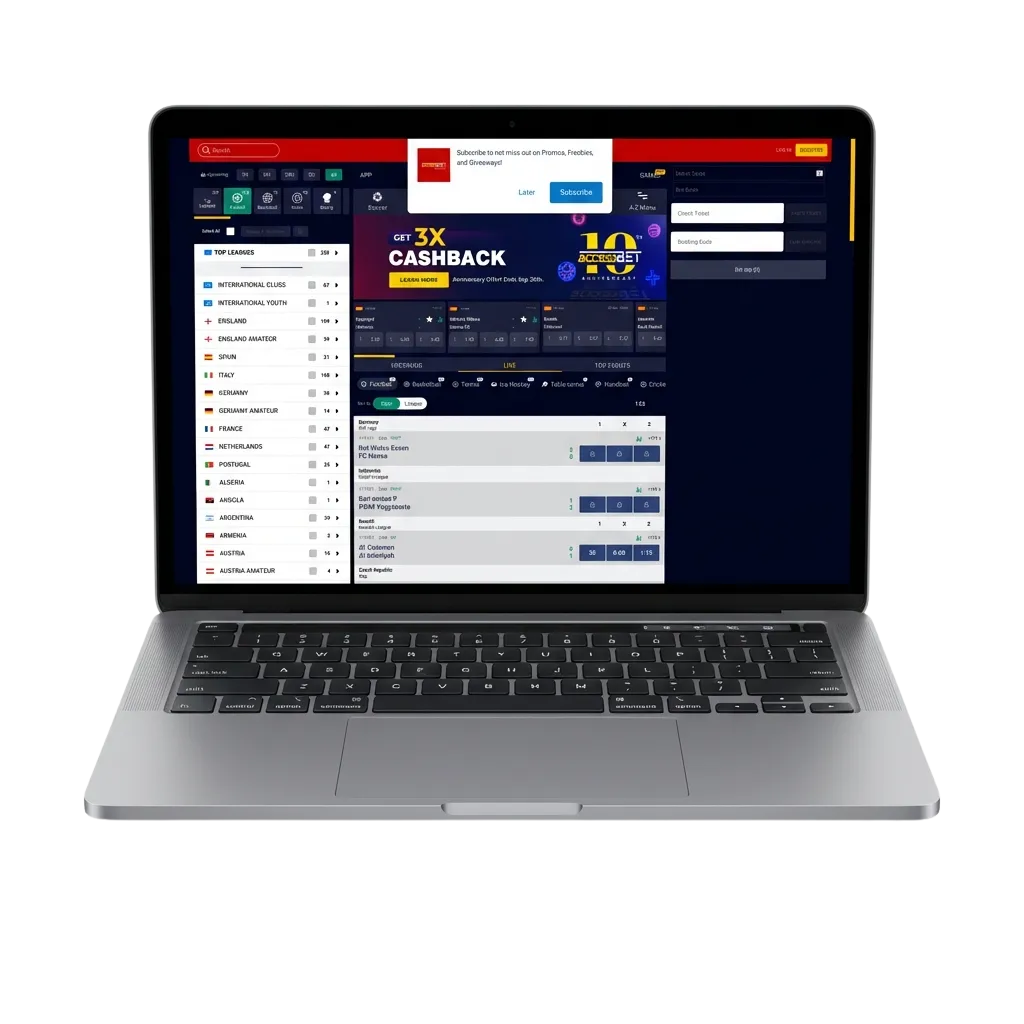
The Access Bet desktop application brings live casino, roulette, slots, and table games directly to your computer. It supports both Windows and MacOS operating systems and is completely free to download. The desktop version offers the same functionality as the web platform but delivers faster loading times and a more stable connection for uninterrupted betting.
The Access Bet application for PC provides a dedicated betting environment with faster game loading, better graphics performance, and the ability to multitask without browser tabs slowing down your system. Below is a summary of the key details for the desktop client.
| PC Client Size 85 MB | Available Languages English, Hausa, Igbo, Yoruba, French |
| Category Sports betting, Online Casino, Instant Games, Game Shows, Virtual Sports, Live Casino | Compatible with Windows Windows 7, Windows 8, Windows 10, Windows 11 |
| Compatible with macOS macOS 10.12 and higher |
Before installing the desktop application, it helps to understand both the advantages and limitations. The table below compares the main benefits and minor drawbacks of using the PC client.
| Pros | Cons |
|---|---|
| Faster loading times for games and betting markets | Requires installation and storage space on your device |
| Full-screen mode for immersive gaming | Updates must be manually installed |
| No browser tabs affecting performance | Not portable like mobile apps |
| Stable connection reduces interruptions during live betting | |
| Direct access from desktop without opening a browser | |
| Better graphics rendering for casino games | |
| Multitasking without slowing down other applications |
The desktop client is ideal for users who prioritise performance and spend extended periods on the platform.
The Access Bet application for Windows runs on minimal system requirements and is compatible with Windows 7 and all later versions. Installation takes just a few minutes and does not require advanced technical knowledge.
Step 1
Click the button below to begin downloading the Windows installer file.
Step 2
Locate the downloaded file in your Downloads folder and double-click it to start the installation process.
Step 3
The installation wizard will guide you through selecting the installation folder and creating a desktop shortcut.
Step 4
Click “Install” and wait for the process to finish. Once done, the app icon will appear on your desktop.
Step 5
Double-click the Access Bet icon to open the app and log in to your account or register if you are a new user.
The Access Bet application works on Mac devices running macOS 10.12 or newer. The installation process is straightforward and follows standard macOS software setup procedures.
Step 1
Click the button below to download the macOS version of the Access Bet app.
Step 2
Find the .dmg file in your Downloads folder and double-click to open it.
Step 3
A window will appear showing the Access Bet icon and your Applications folder. Drag the icon into the Applications folder to install.
Step 4
Open your Applications folder and double-click the Access Bet icon to start the app.
Step 5
If macOS displays a security warning, go to System Preferences > Security & Privacy and click “Open Anyway” to authorise the app.
Keeping the Access Bet desktop app updated ensures you have access to the latest features, improved security, and bug fixes. The update process is simple and can be completed in a few clicks.
Step 1
Double-click the Access Bet icon on your desktop to launch the application.
Step 2
If an update is available, a notification will appear when you open the app. Click “Update Now” to proceed.
Step 3
The app will download the latest version automatically. Once the download completes, click “Install” and wait for the update to finish.
Step 4
After installation, the app will restart automatically and you can continue using it as normal.
Creating an account through the Access Bet PC application gives you immediate access to all betting markets, casino games, and promotional offers. Registration takes just a few minutes and requires basic personal information.
Step 1
Launch the Access Bet desktop client by clicking the icon on your desktop or in your Applications folder.
Step 2
Click the “Register” button and choose your preferred registration option: by phone number, email, or social media account.
Step 3
Enter the required information, including your name, contact details, and date of birth. Create a secure password for your account.
Step 4
Check your email or phone for a verification code and enter it in the app to complete registration. You can now deposit funds and start betting.
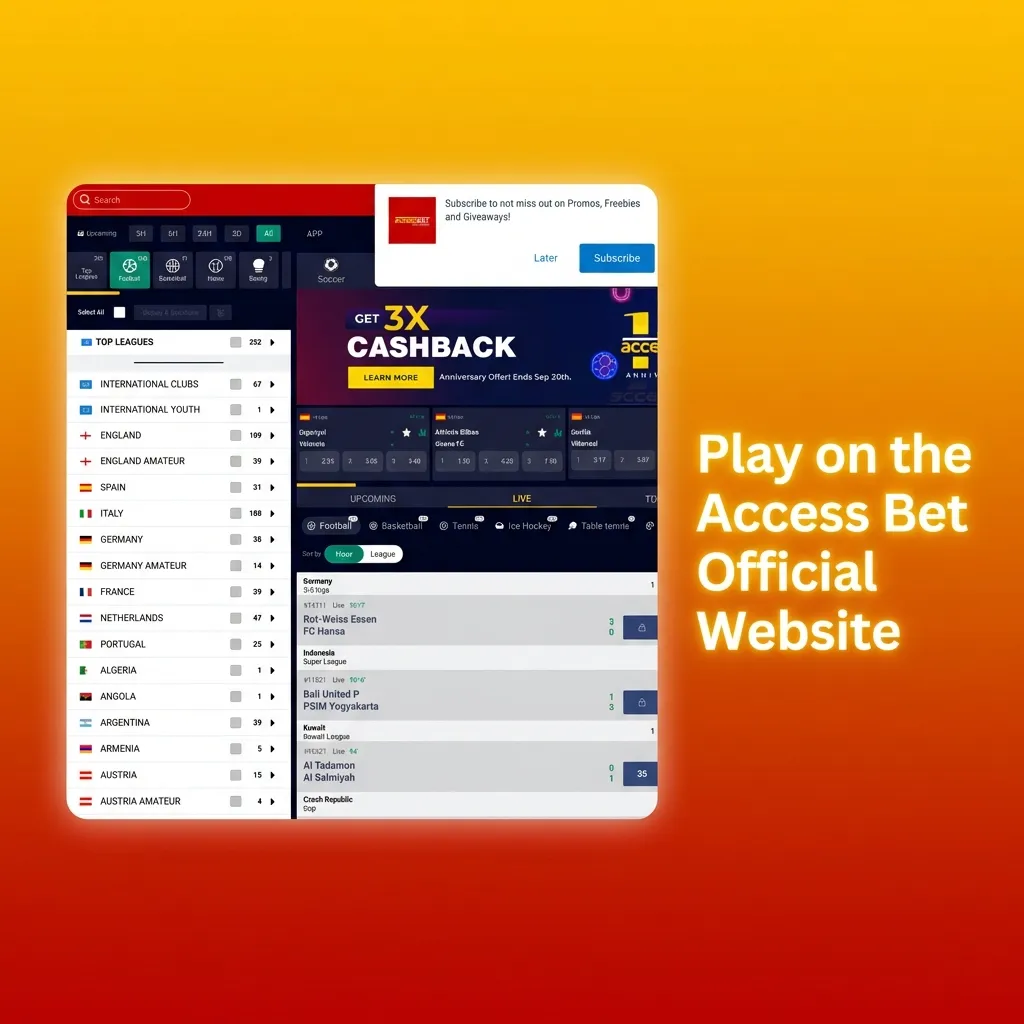
You do not need to install the desktop app to enjoy all Access Bet services. If you prefer not to download software onto your computer, the official website offers full functionality for both betting and casino games. The web platform provides the same markets, games, and account features as the app, allowing you to place bets and play directly from your browser. This option is ideal for users who want flexibility without committing storage space on their device.
Access Bet provides multiple channels for desktop users to reach customer support whenever assistance is needed. All contact methods are available 24/7 to address technical issues, account queries, or betting questions.
| Contact Method | Details |
|---|---|
| Live Chat | Available directly in the desktop app via the support icon |
| [email protected] | |
| Phone | +234 1 888 7777 |
| +234 809 999 0000 | |
| @AccessBetNG | |
| facebook.com/AccessBetNigeria |
Support agents respond quickly and can assist in English, Hausa, Igbo, and Yoruba.
Yes, your account credentials work across all platforms. You can log in on the desktop app, website, and mobile app using the same username and password.
No, the app uses roughly the same amount of data. However, because it runs more efficiently, you may experience faster loading times and fewer connection interruptions.
Yes, uninstalling the desktop app does not affect your account. You can reinstall it at any time or continue using the website to access your account.
The app will notify you when an update is available. You can choose to install it immediately or postpone it, but regular updates are recommended for the best performance.
Yes, the official Access Bet desktop app is secure and free from malware. Only download the app from this official website to ensure you receive the genuine software.
Updated: